The app in action
See what ShareWhile looks like
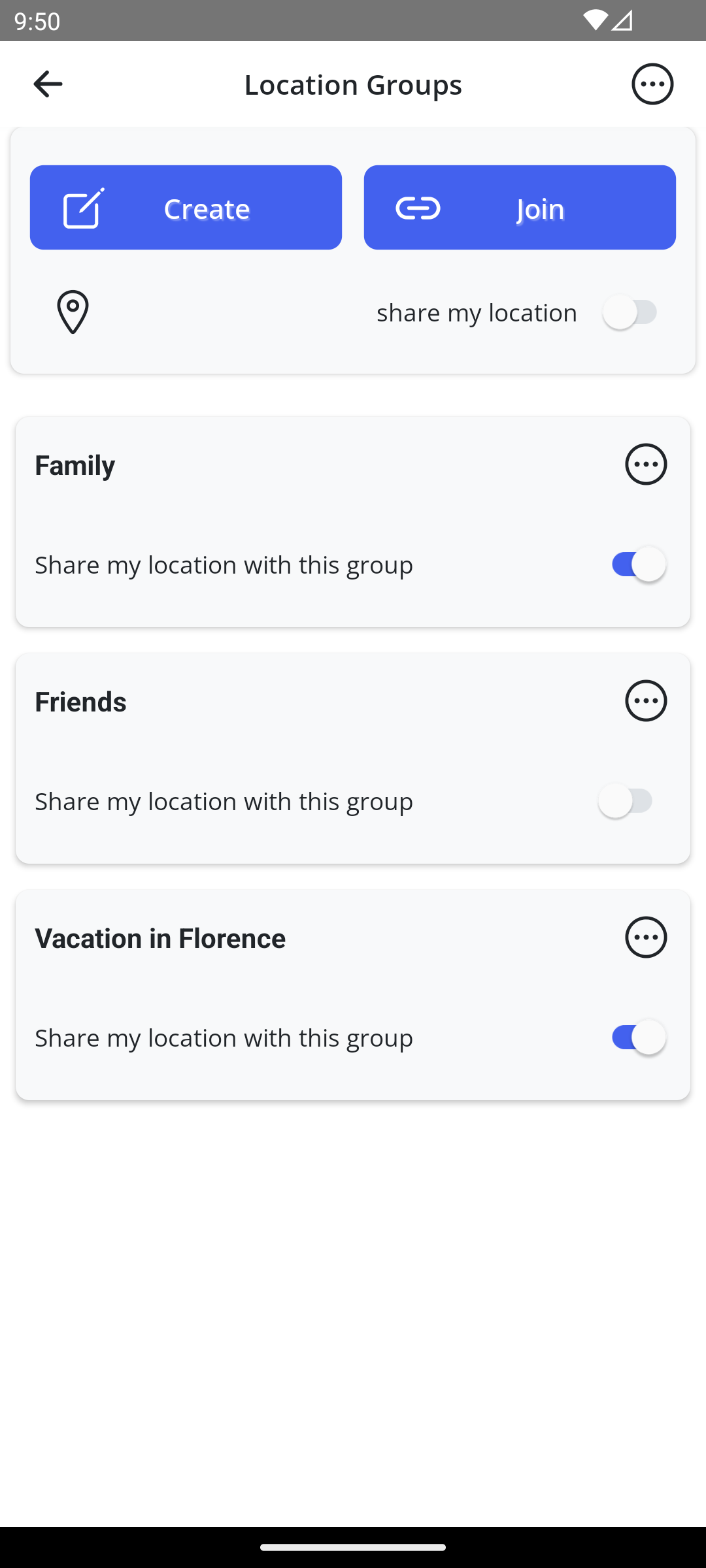
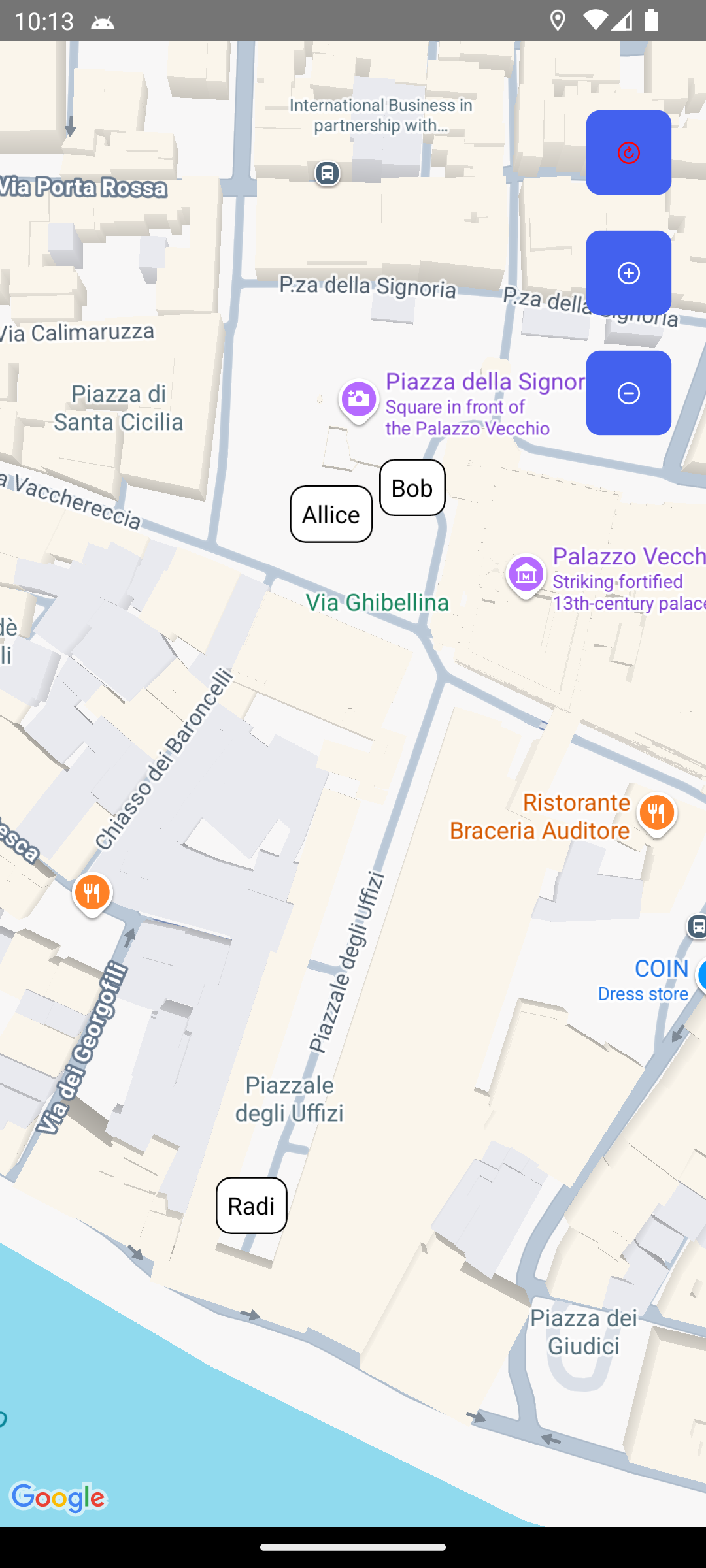

Chat, location, and full privacy control. Choose who sees you and when.
ShareWhile gives you full control over location and chat in groups
Create and join location sharing groups with friends, family or colleagues.
Text messages and emojis in the same groups. Full history is saved – no one misses a conversation.
Choose when to share - live, last location only, or completely turned off for each group.
Each group has its own notification toggle. Receive only what you want.
End-to-end encryption for location, TLS/SSL for chat. No location history – only your last position is stored.
Even if you delete your account, your messages stay in groups so conversations remain intact for others.
4 easy steps to get started
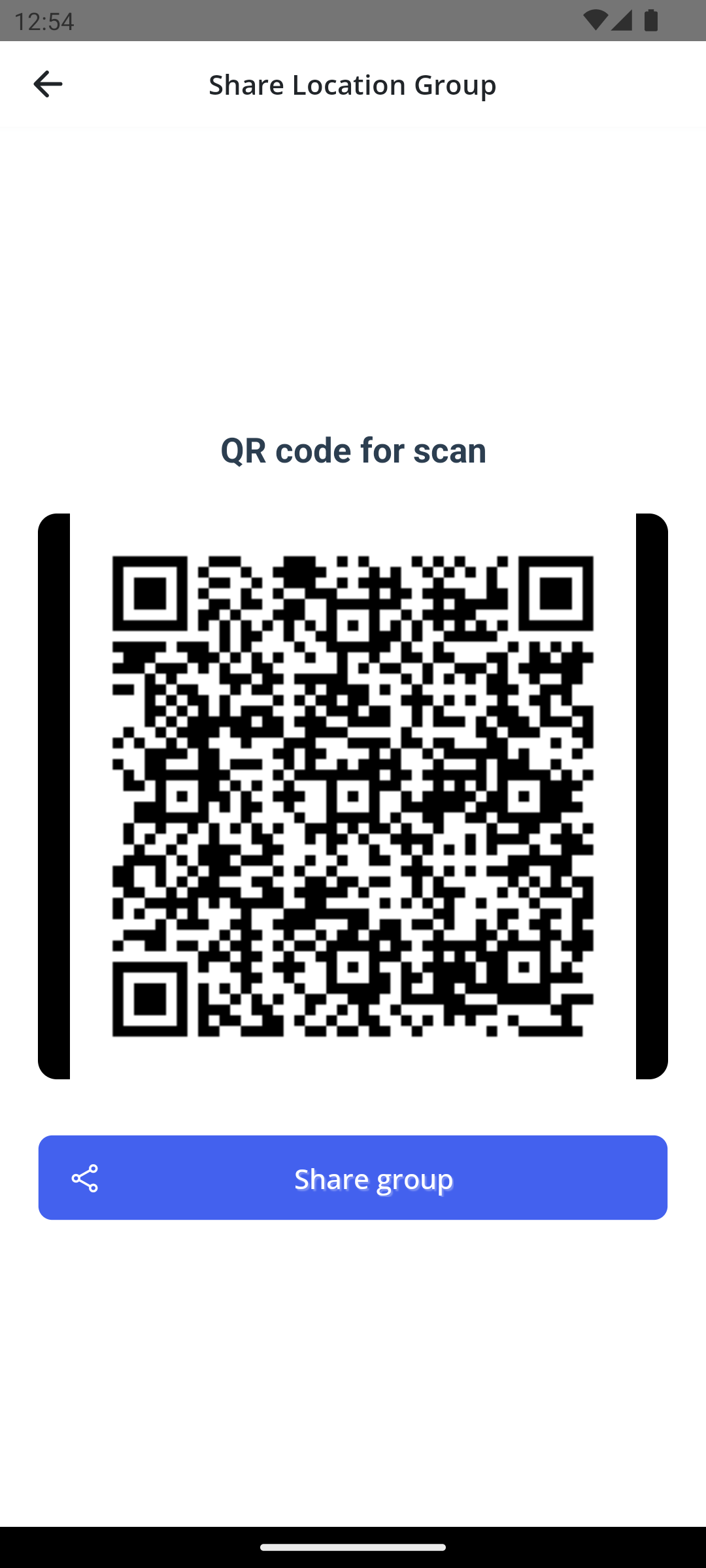
Start a new group or join an existing one with a unique code.
Choose which groups can see your location and when.
Send messages in the group. Full history is saved – no one misses a conversation, even if they were offline.
Each group has its own notification toggle – silence when you need it.
See what ShareWhile looks like
Click a question to see the answer
Yes, you can create and join groups immediately. However, without registration, if you reinstall the app, your groups won't be saved. Registration ensures you'll always have access to your groups, even after reinstallation.
Group members will see your last location before you stopped sharing, but won't receive new updates. You can resume sharing anytime.
All messages in a group are stored on our servers so everyone can see them, even if they weren't online. Text and emojis are supported (no photos or videos). Messages cannot be deleted to preserve conversation integrity.
Yes. Each group has its own "Notifications" toggle. If you turn it off, you won't receive push notifications from that group, but you'll still see messages when you open the app.
Your messages remain in the groups so other members can read the full conversation history. However, you leave all groups and your location data is deleted. If all members leave a group or there's no activity for more than 1 year, the group and all its messages are automatically removed.
Only if you're registered. After logging into your account from a new device, all your groups will sync automatically.
Only you can see the list of groups you're in. Group members only see the names of other participants in the same group and all messages within that group.
Registration gives you:
Download ShareWhile today – share location and chat in groups